How to use the Pillars catalog
Find a development, build a shortlist and send an inquiry to the project team.
Pillars Editorial
1 min read
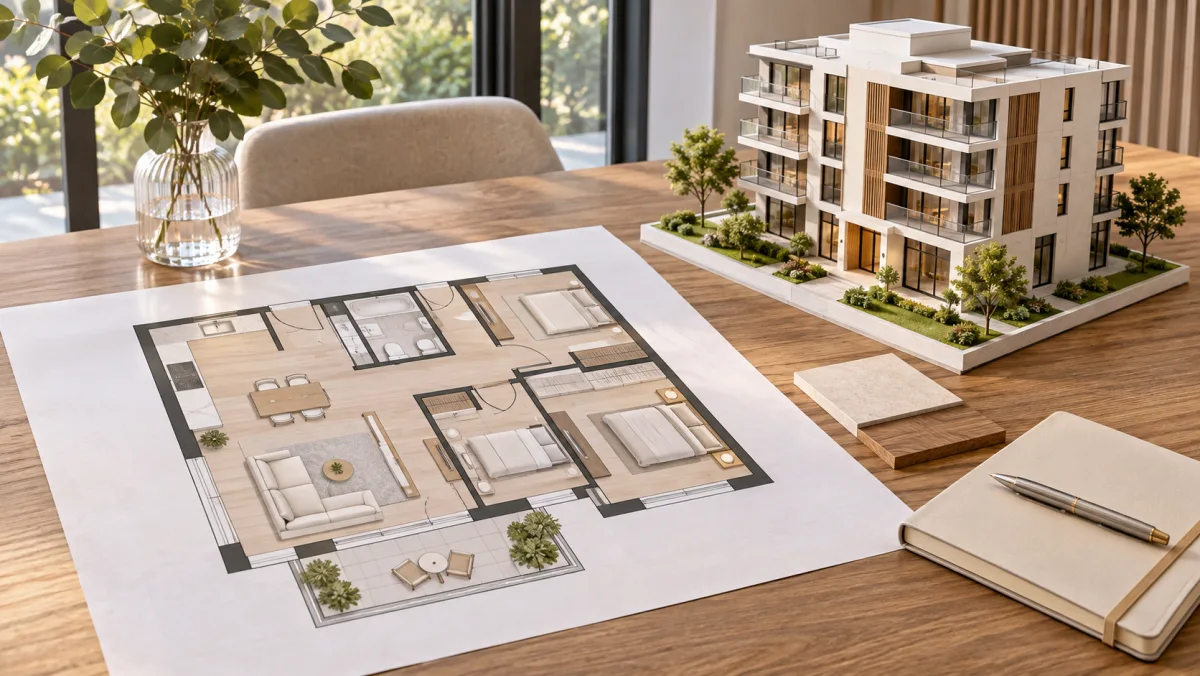
Open the catalog and choose the area you want to explore. Open a development to see its buildings and apartments.
Build a shortlist
Compare floor area, price and floor level. Save the layouts you would like to see in person. Check availability before arranging a visit.
Contact the project team
Open the contact page.
Choose a development and a time for a call.
Leave your name and telephone number.
Developers can use the company tab on the same page to tell Pillars about the projects they want to list.
Share this article
Explore related projects
Compare developments and explore available apartments, prices and floor plans.